Al Rawya Poetry App
A Python desktop app for searching, reading, saving, and exporting Arabic poetry. I started it as a simple poem fetcher, then kept expanding it into a small reading and collection app.
Overview
Al Rawya is a desktop app built with Python, PySide6, SQLite, and Qt PDF export features. The idea is to give Arabic poetry a cleaner reading space where the user can search poems, open them in a proper right-to-left layout, save favorites, save selected lines, change themes and fonts, and export poems to PDF.
App features
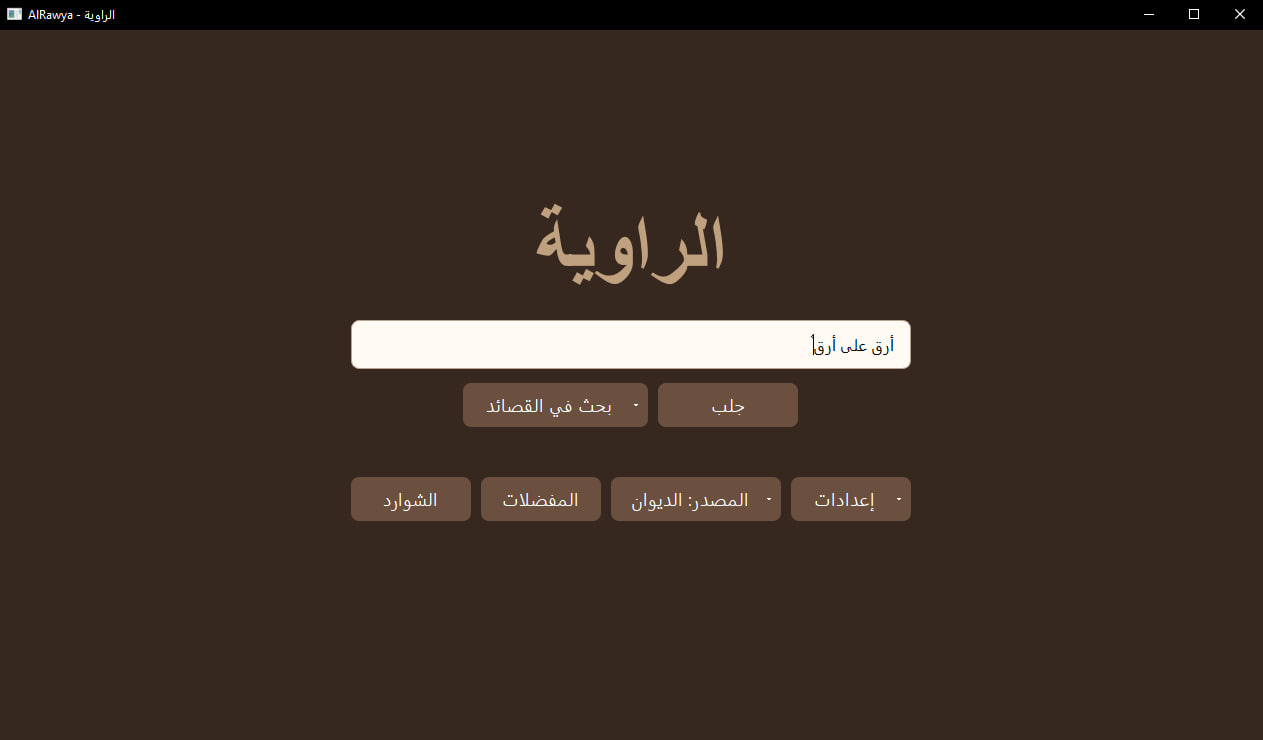
Main search page
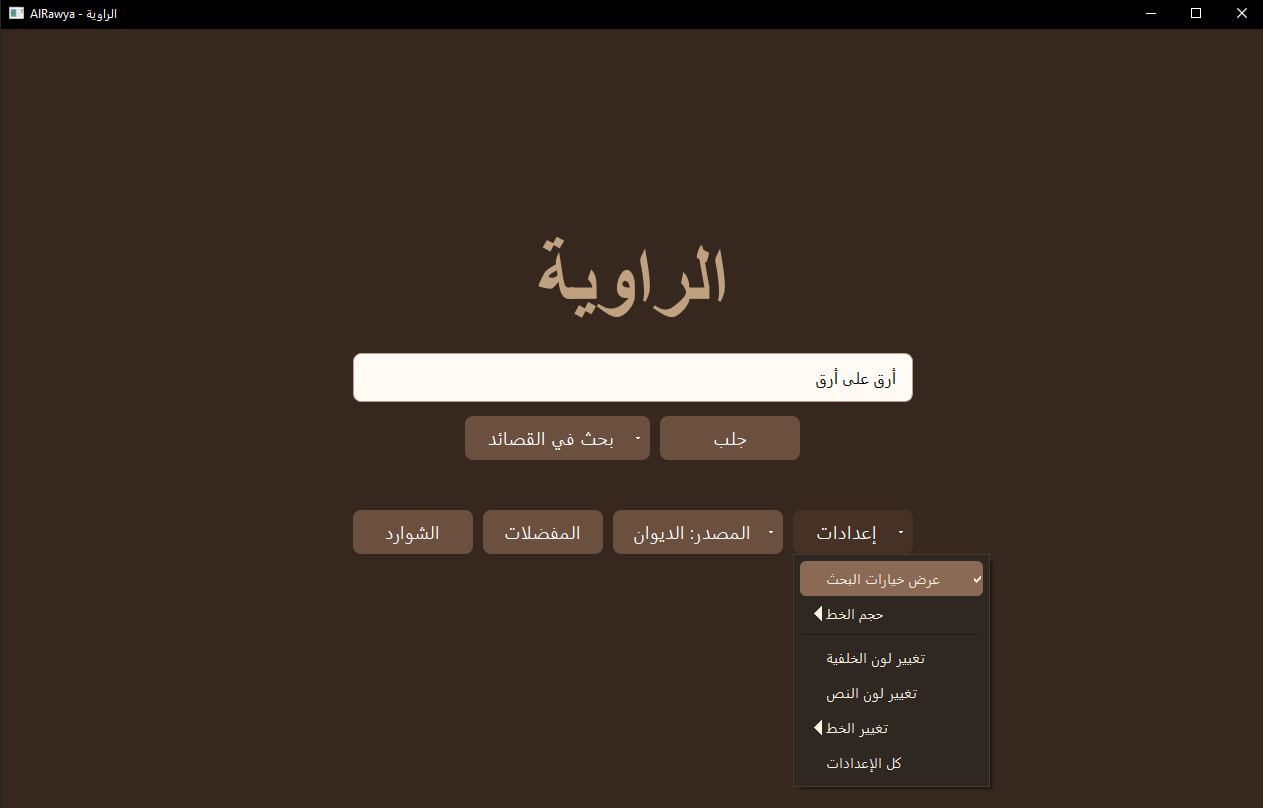
The app starts with a simple search page. The user can enter a poem line, choose the source, and fetch matching poems in a list, or directly fetch the first result.
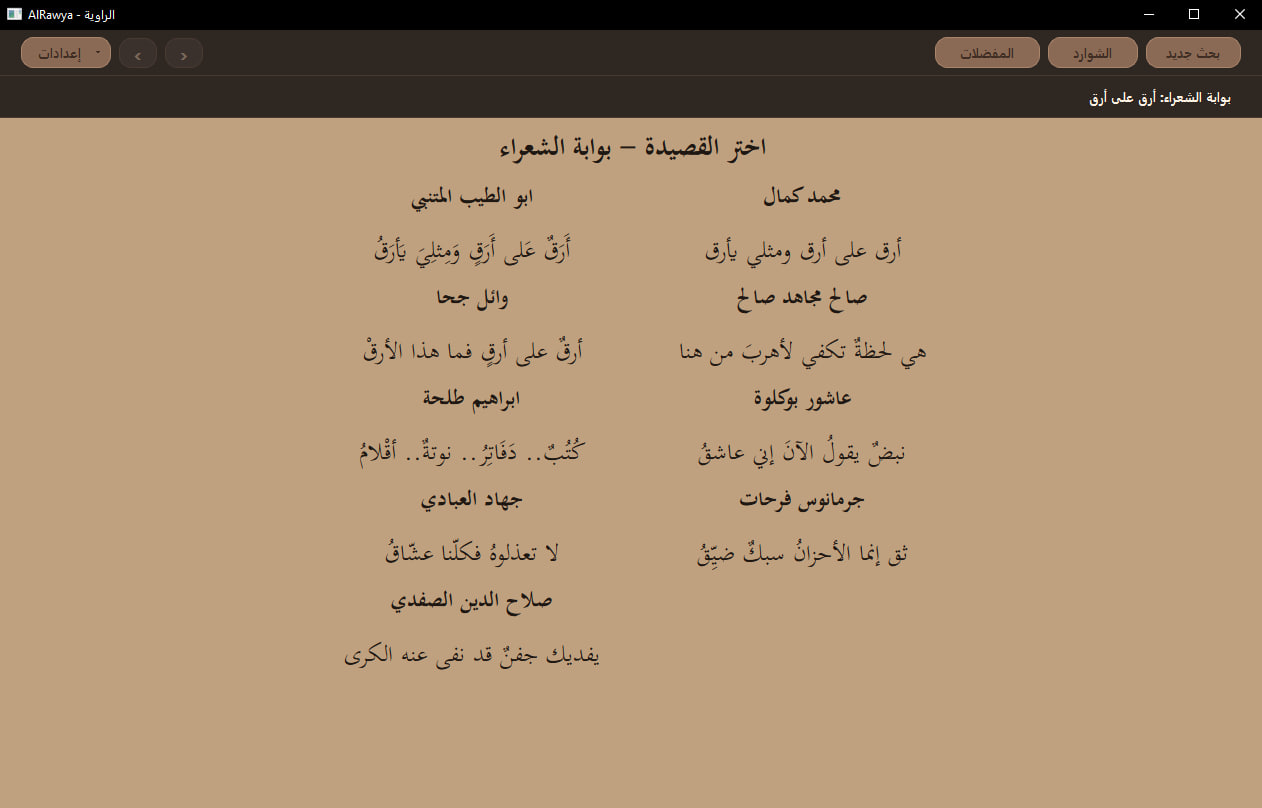
Search results
Matching poems are listed with the poet’s name above each opening line, so the user can pick the right poem before opening it. The source and the search line stay visible at the top of the page.
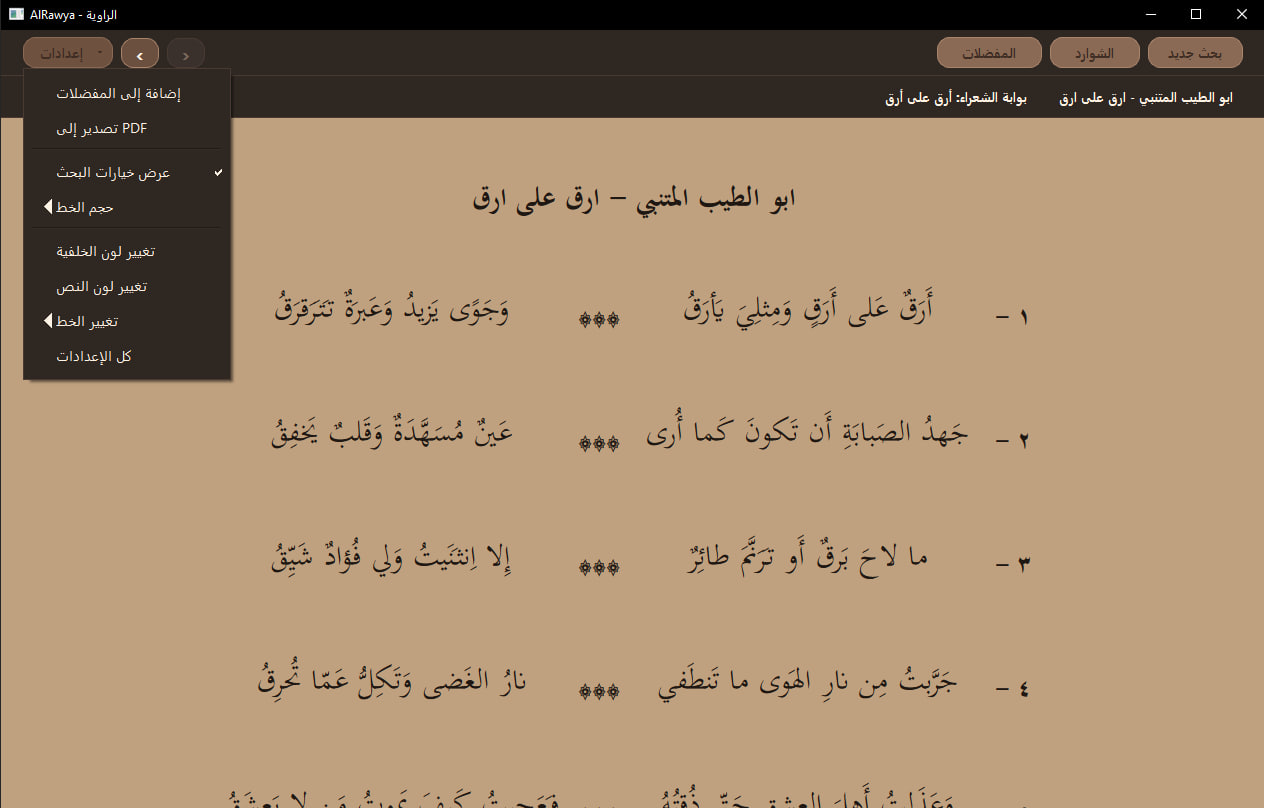
Reading view
Opened poems are displayed in a right-to-left reading layout with centered Arabic text and clear spacing between verses.
Saving selected lines
The app lets the user save specific selected lines into Al Shwarid الشوارد. This is useful when a single line stands out and the user wants to keep it without saving the whole poem.

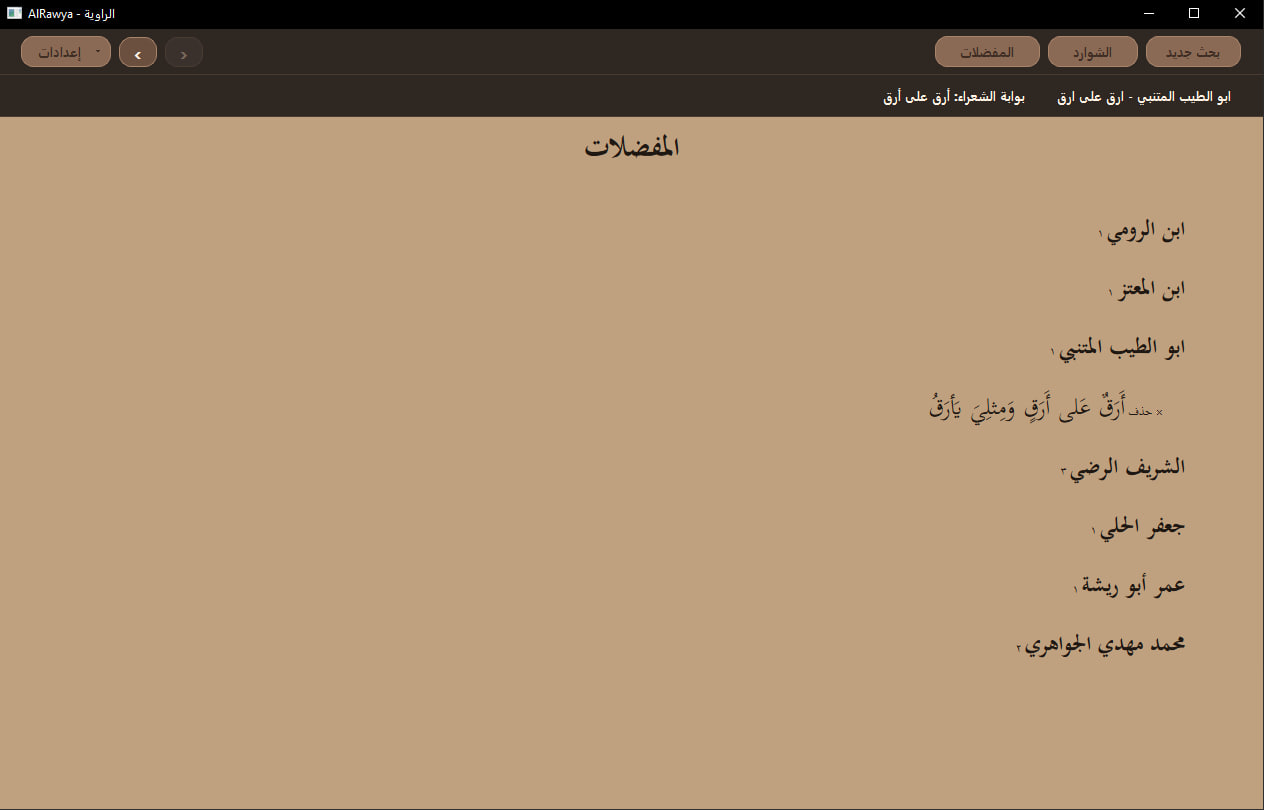
Favorites
Full poems can be saved to المفضلات. Saved poems are grouped by poet, which makes the collection easier to browse later.
Quick settings
The quick settings menu gives fast access to common options such as search options, font size, colors, font changes, and PDF export.
Full settings page
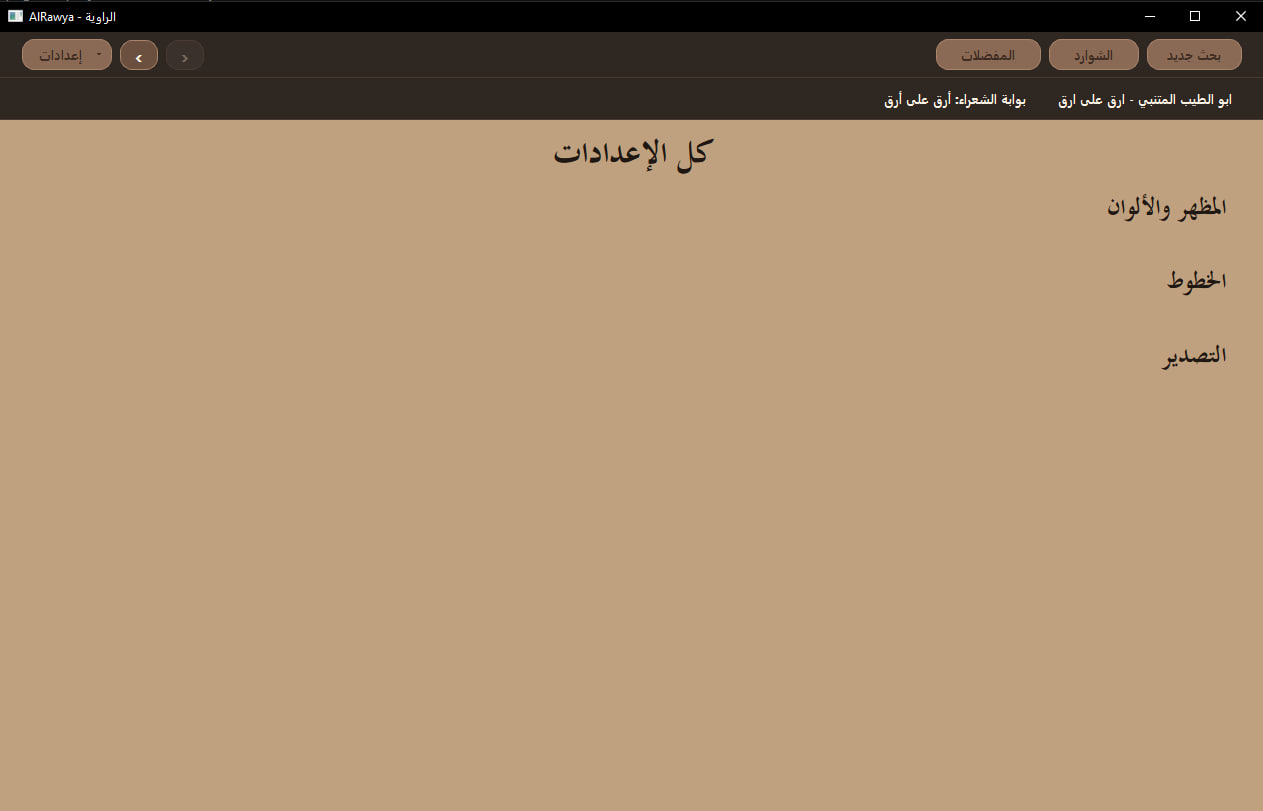
The full settings page is used for deeper customization, including appearance, fonts, and export settings.
PDF export dialog
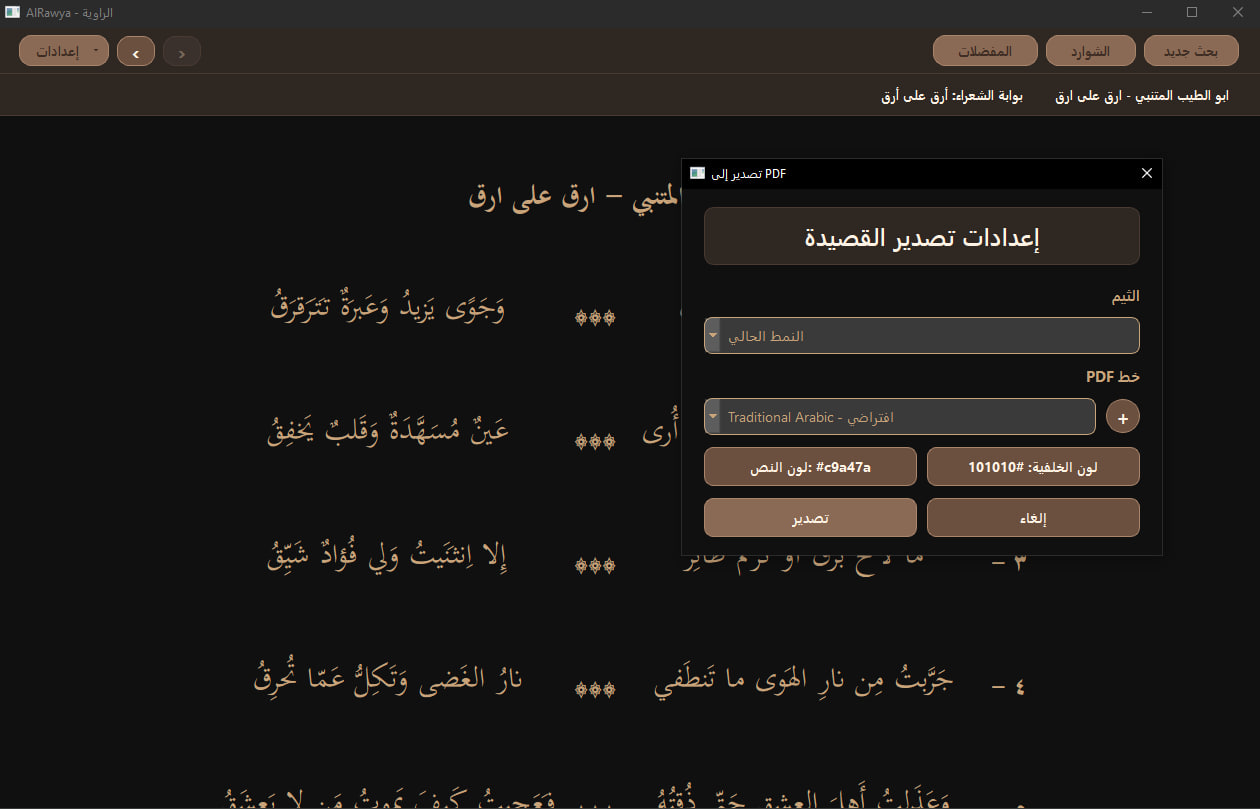
The PDF export dialog lets the user choose the theme, font, text color, and background color before exporting the poem.
Exported PDF
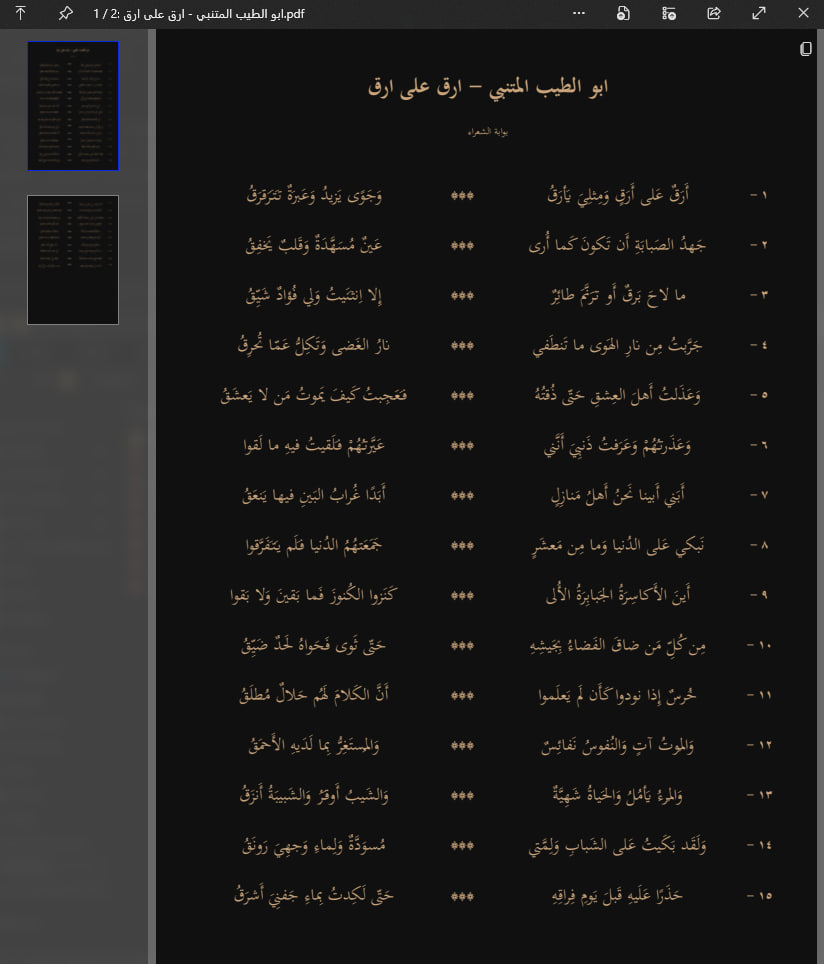
The exported PDF keeps the poem readable and preserves the dark reading style. This part is still being polished because Arabic layout and page breaks need careful handling.
Build approach
I built the project step by step. First I focused on getting Arabic text to display correctly in a PySide6 window. Then I added search, scraping, result views, poem tabs, and the other functions one at a step. This made the project easier to control because each feature had to work before I moved to the next one.
Main challenges
Arabic text formatting
Keeping the app responsive
PDF export
What I learned
This project taught me a lot about building a real desktop app, especially when the app needs good Arabic support. I practiced GUI structure, scraping, local storage, settings management, threading, and PDF export. It also showed me how much small UI details matter when building something people are meant to read from.
Next steps
The next focus is polishing PDF export, improving search speed, adding search across all sources, and later packaging the app so it can be installed more easily on Windows.